
Thingiverse
Weather Button
by Thingiverse
Last crawled date: 6 years, 6 months ago
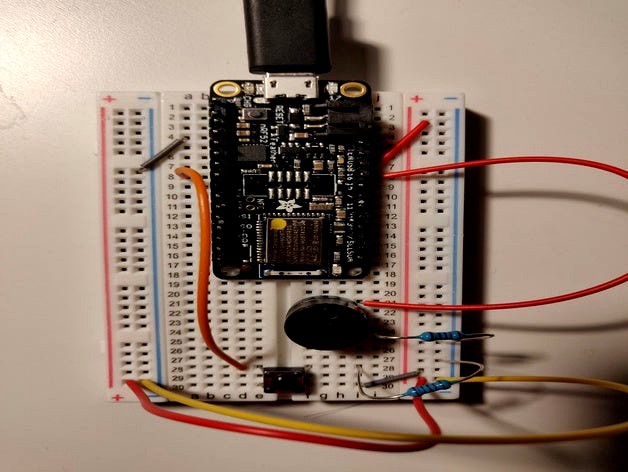
Weather button created using a breadboard + Arduino for AT AU19 at UW.
The Arduino takes input from a switch (button). Upon being pressed, the button sends a simple string as a bluetooth keyboard to a mobile phone. This is in order to check the weather!
This could help those who have difficulty pressing on-screen buttons accomplish this daily task.
The circuit schematic is very simple: just the basic "default-open" button/switch circuit used in class (as such, I've referenced that schematic).
There is also an accompanying video:https://youtu.be/gO-RhaVkg9o
The Arduino takes input from a switch (button). Upon being pressed, the button sends a simple string as a bluetooth keyboard to a mobile phone. This is in order to check the weather!
This could help those who have difficulty pressing on-screen buttons accomplish this daily task.
The circuit schematic is very simple: just the basic "default-open" button/switch circuit used in class (as such, I've referenced that schematic).
There is also an accompanying video:https://youtu.be/gO-RhaVkg9o