
Thingiverse
Tiny 3-Axis CNC Keyboard Control over USB Serial by MakerBlock
by Thingiverse
Last crawled date: 4 years, 7 months ago
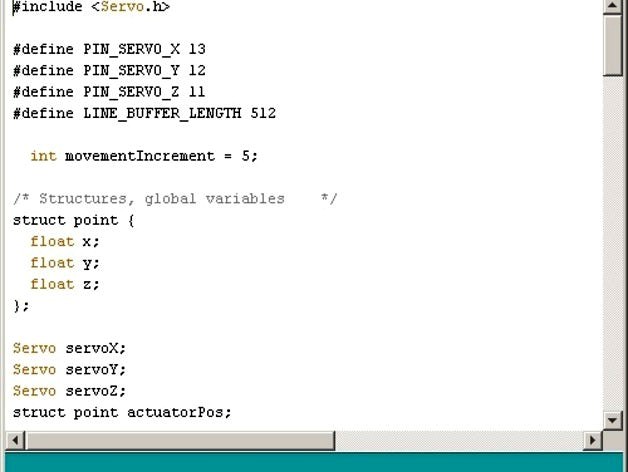
Using this sketch you can control the Tiny 3-Axis CNC over the USB serial.
Upload the sketch to your Adruino and then open the Arduino IDE's serial monitor (keyboard shortcut: Ctrl+Shift+M). The keys are "WSAD" and "OL". They work as follows:
W = forward
S = back
A = left
D = right
O = up
L = down
To operate the Tiny CNC, type one or more (WSADOL) commands into the serial monitor and hit Enter.
Upload the sketch to your Adruino and then open the Arduino IDE's serial monitor (keyboard shortcut: Ctrl+Shift+M). The keys are "WSAD" and "OL". They work as follows:
W = forward
S = back
A = left
D = right
O = up
L = down
To operate the Tiny CNC, type one or more (WSADOL) commands into the serial monitor and hit Enter.