
Artstation
Normal Map Compatibility/Converter Node, for Blender
by Artstation
Last crawled date: 3 years, 9 months ago
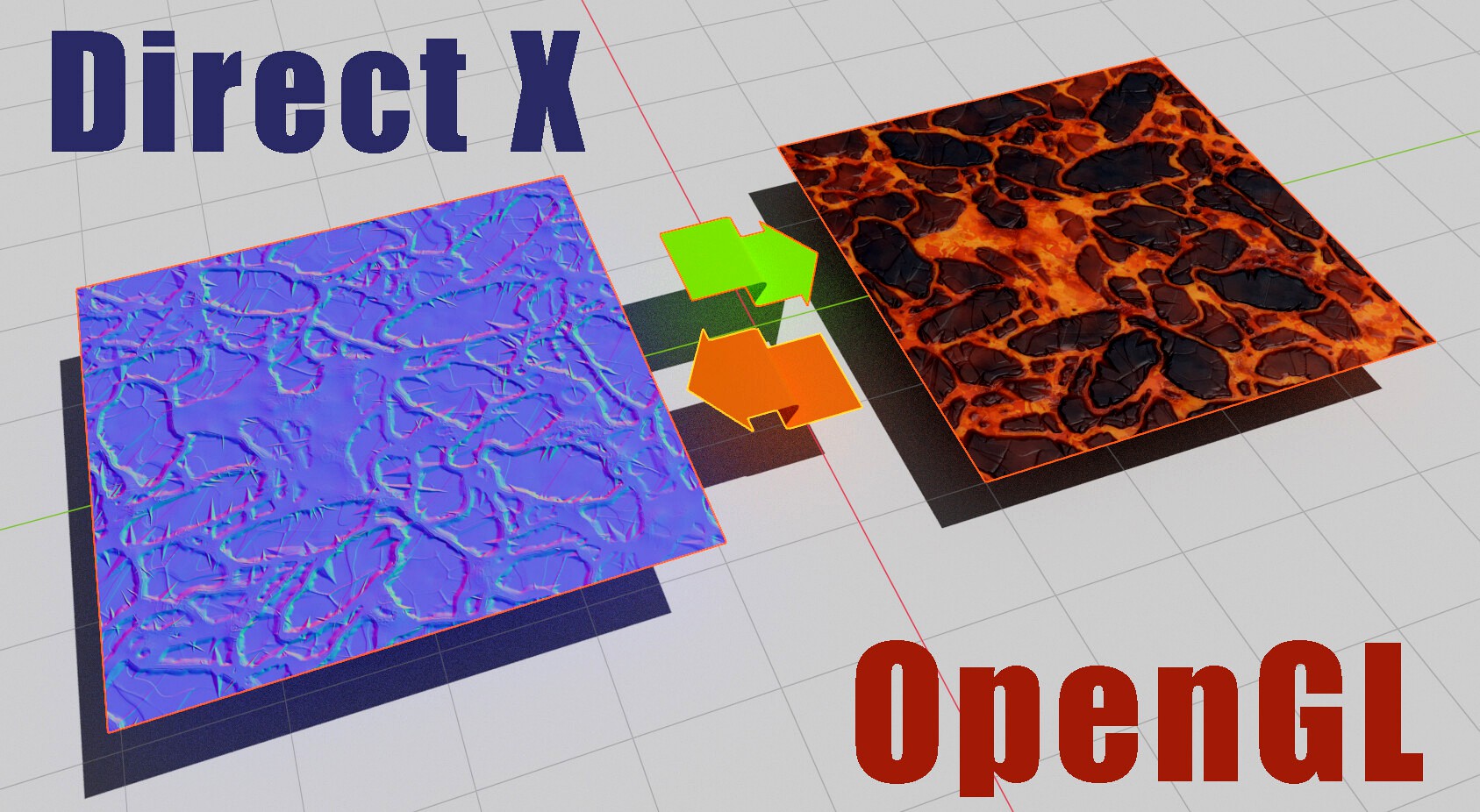
There are two major systems for normal maps, DirectX and OpenGL. Blender uses OpenGL but many other programs use DirectX, which is different.
This is a useful widget that I built for easily converting imported DirectX normal maps to OpenGL, in an efficient way, so that they work in Blender.
Simply hook this node between your Image Texture Node and the Normal Map Node (see image).
It uses standard Blender maths nodes, so it can just be appended into any Blender file from this file, no fuss, or add the material to your asset library. Alternatively, if you use the Node Presets Add-on (recomended), it can be saved to your Presets folder, for easy access in any of your projects.
This is a useful widget that I built for easily converting imported DirectX normal maps to OpenGL, in an efficient way, so that they work in Blender.
Simply hook this node between your Image Texture Node and the Normal Map Node (see image).
It uses standard Blender maths nodes, so it can just be appended into any Blender file from this file, no fuss, or add the material to your asset library. Alternatively, if you use the Node Presets Add-on (recomended), it can be saved to your Presets folder, for easy access in any of your projects.