
Thingiverse
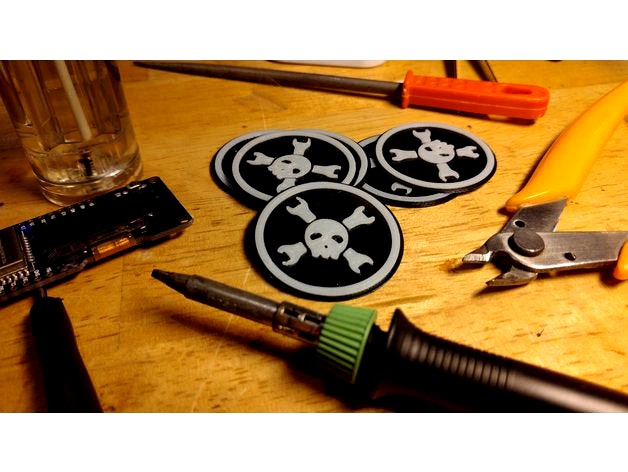
Hackaday badge by vindolin
by Thingiverse
Last crawled date: 4 years, 11 months ago
To print this in two colors, you need to change your filament at a specific z-position.
Use your slicer to determin the position where the logo begins and tell your printer to pause at that height.
Change the black filament to white and unpause.
hackaday_badge_06.stl = 0.6mm + logo.
hackaday_badge_06.stl = 1.0mm + logo # good for sewing on.
https://hackaday.com
Use your slicer to determin the position where the logo begins and tell your printer to pause at that height.
Change the black filament to white and unpause.
hackaday_badge_06.stl = 0.6mm + logo.
hackaday_badge_06.stl = 1.0mm + logo # good for sewing on.
https://hackaday.com