
Thingiverse
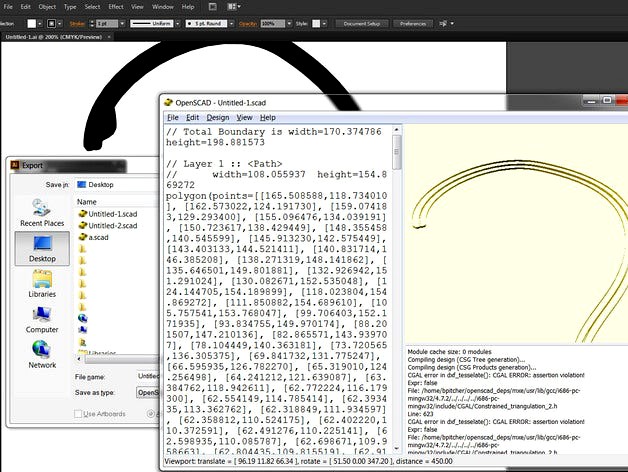
Export OpenSCAD paths from Adobe Illustrator CS6 by drkow
by Thingiverse
Last crawled date: 4 years, 8 months ago
Modified the code from http://www.thingiverse.com/thing:9529 to work with CS6.
Place OpenSCADexport.aip in Adobe\Adobe Illustrator CS6\Plug-ins\Extensions
Start illustrator and choose "OpenSCAD" from the export dialog to generate your paths.
Does not seem to work in Illustrator 64 bit.
Place OpenSCADexport.aip in Adobe\Adobe Illustrator CS6\Plug-ins\Extensions
Start illustrator and choose "OpenSCAD" from the export dialog to generate your paths.
Does not seem to work in Illustrator 64 bit.