
Thingiverse
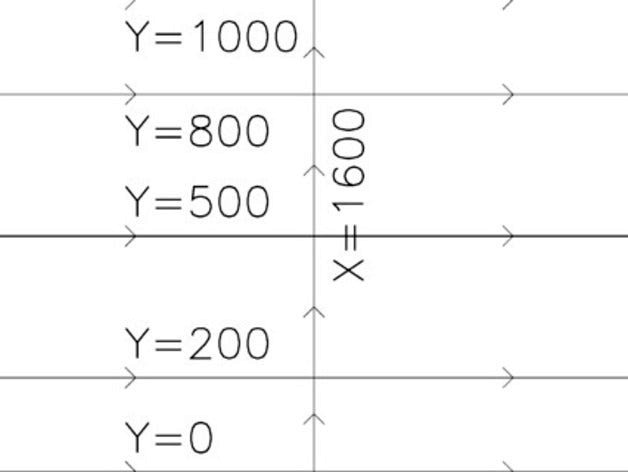
Eggbot Coordinate Demo Using Hershey Text by Austin
by Thingiverse
Last crawled date: 4 years, 7 months ago
The original was great to have, but I made these tweaks:
The labels have been replaced with larger text generated using the Hershey Text extension. These labels should be now be super-legible, even on objects as small as ping pong balls. :D
After looking at Inkscape's y-axis orientation and the eggbot pen-motor orientations, the y-position labels have been vertically swapped.
The paths are now organized into layers named "Grid Lines", "Direction Markers", and "Labels". :)
Future changes: I intend to create some additional variants for heights of 950, 900, and 800. It might also be handy to have some regular-grid designs without labels to make it easier to pencil-sketch on a reusable ball and then transfer that design to Inkscape.
EDIT: Silly me, I forgot to promote Hershey Text! Download it now!http://www.evilmadscientist.com/article.php/hershey
The labels have been replaced with larger text generated using the Hershey Text extension. These labels should be now be super-legible, even on objects as small as ping pong balls. :D
After looking at Inkscape's y-axis orientation and the eggbot pen-motor orientations, the y-position labels have been vertically swapped.
The paths are now organized into layers named "Grid Lines", "Direction Markers", and "Labels". :)
Future changes: I intend to create some additional variants for heights of 950, 900, and 800. It might also be handy to have some regular-grid designs without labels to make it easier to pencil-sketch on a reusable ball and then transfer that design to Inkscape.
EDIT: Silly me, I forgot to promote Hershey Text! Download it now!http://www.evilmadscientist.com/article.php/hershey