
CG Trader
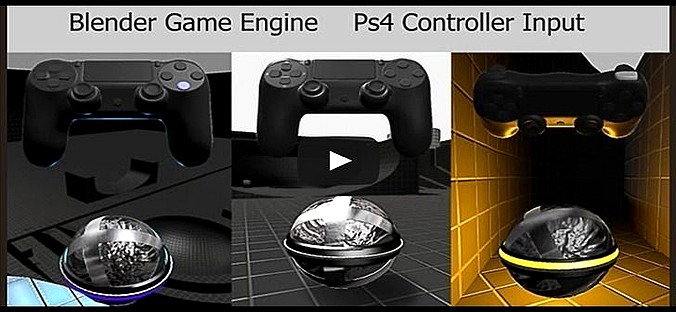
Blender Game Engine PS4 Controller Python Script
by CG Trader
Last crawled date: 3 years, 6 months ago
Here is an example of how to setup a Playstation 4 Controller with only one Python Script For the Blender Game Engine (Blender 2.74). Controls: Left Analog-Stick or Hat = Moves the Ball Right Analog-Stick = Camera Control X-Button = Jump (Hold the X-Button for slower falling) R1-Button = Turbo If no Ps4-Controller is connected, the Mouse and the Keyboard provide the input (Keys_and_Mouse.py). Have fun :) ps 4 controller python script blender game engine bge playstation 4 electronics computer 3dhaupt dennish2010 video game